UX & product · 2019
Jeeran
Redesigned Jeeran.com with Angular
- Role
- UX, Angular Developer
- Live
- jeeran.com
- Skills
- Angular
- Design
- UX
- Web management
The beginnings
My journey with Jeeran began when they approached me for a revamp of their site, with the purpose of fixing any SEO issues. The website contained the following parts:
- Homepage with Google Ads
- Search results
- Map results
- Product details
- Reviews comments and likes
- Social sharing
- Image gallery
- Bilingual (English and Arabic)
- Multiple base cities
- Personal profile
Existing setup
The server side API was not needed to be redone, but I was allowed to create new queries that can be translated into the old API. The host was Cloudflare, with NodeJs, behind Nginx. The current site was done in Laravel, and I was given the choice for a new Frontend technology.
Solution
With the help of two backend developers, and regular meetings with the CEO, my job was to create the new interface, and design it. The processes I followed was:
- Created the wireframes (using good old HTML)
- Once settled on the basic lines, moved into an Angular site
- Once most of the technology implemented, spent time on high fidelity design outcome
- Once that was in place, we started a segmented project: host, test, enhance, repeat
Segments
Here is a bit of more details about some of the improvements introduced:
Search results
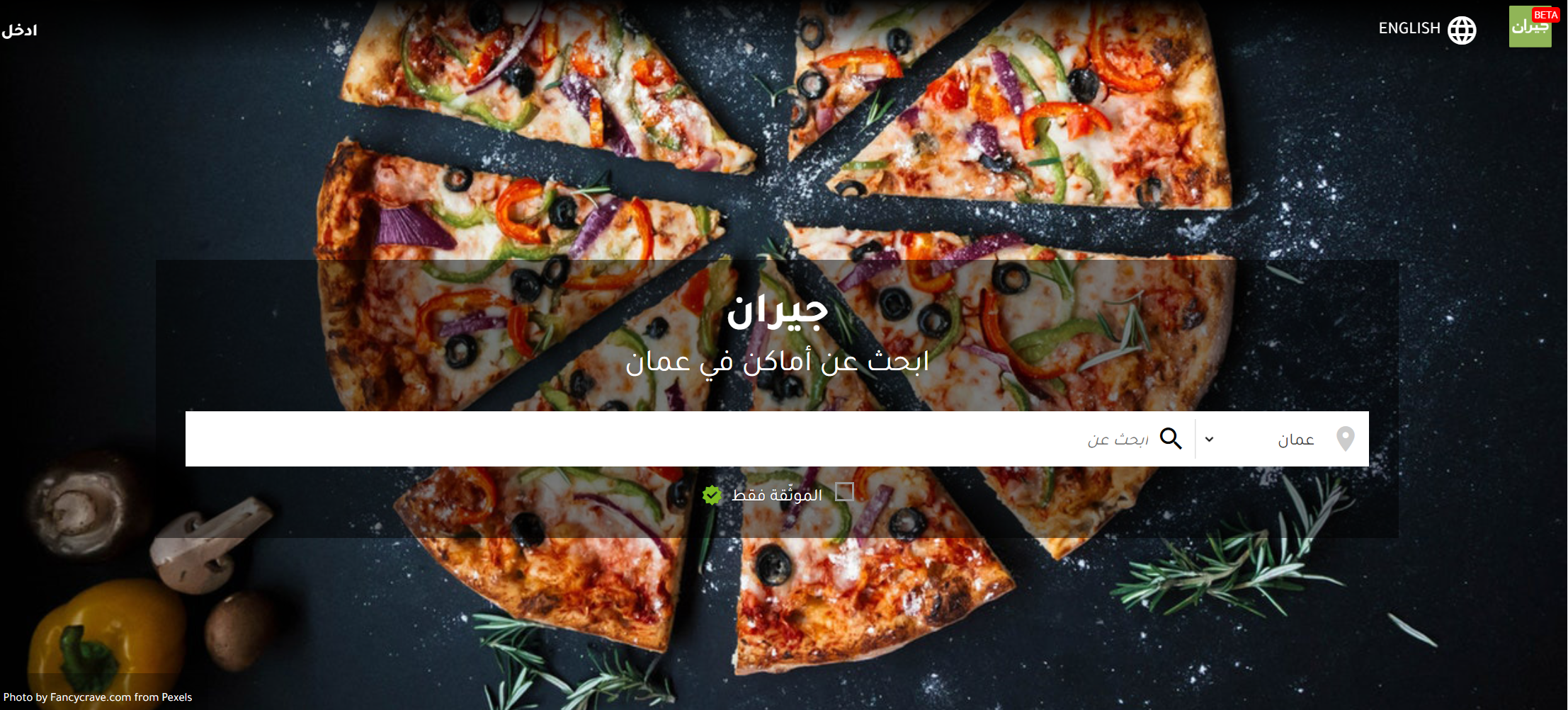
The search results page used to have filters that were laid out on the left side of the page, some of them were rarely used. The new site has a single search box on the homepage, that guesses the city from the server, and allows for a category choice.
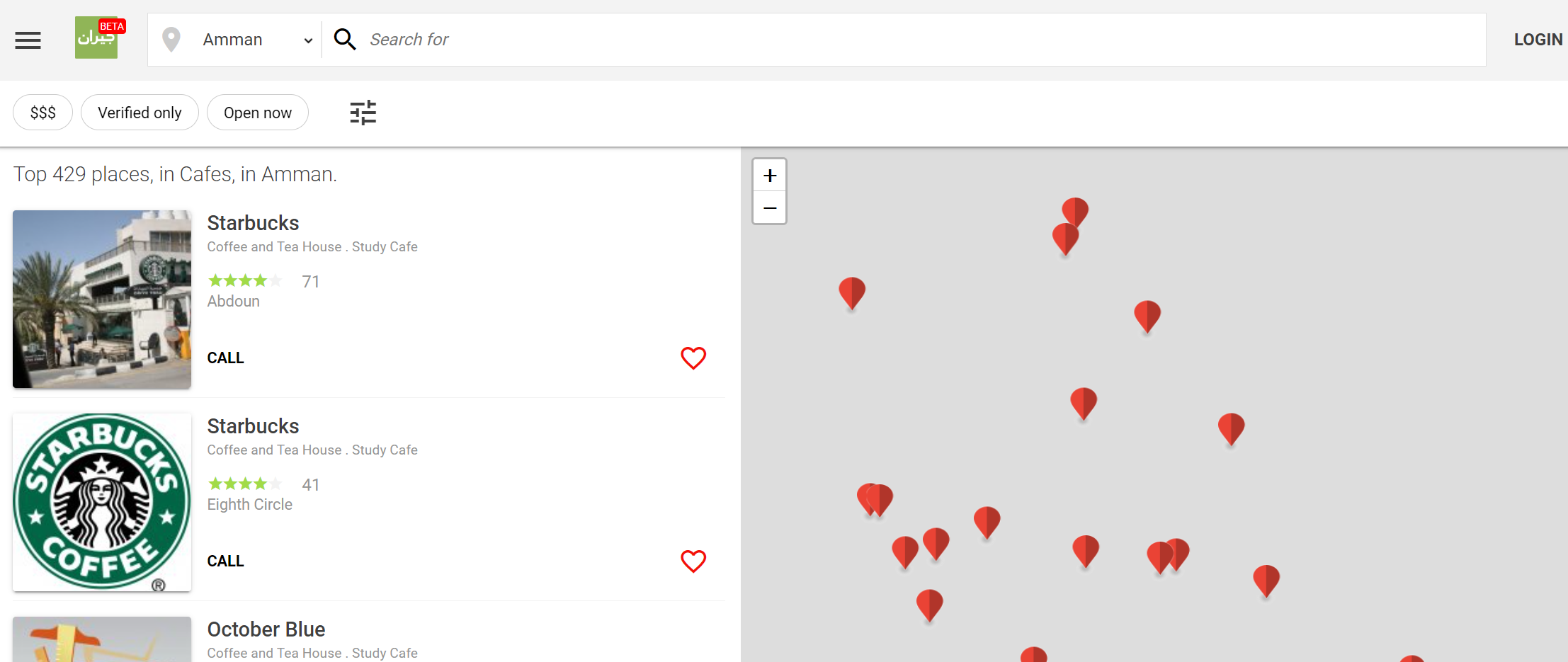
The results page itself, tucks away the filters and shows only the most popular filters, the map appears inline with the ability to browse by map location.
Image gallery optimization
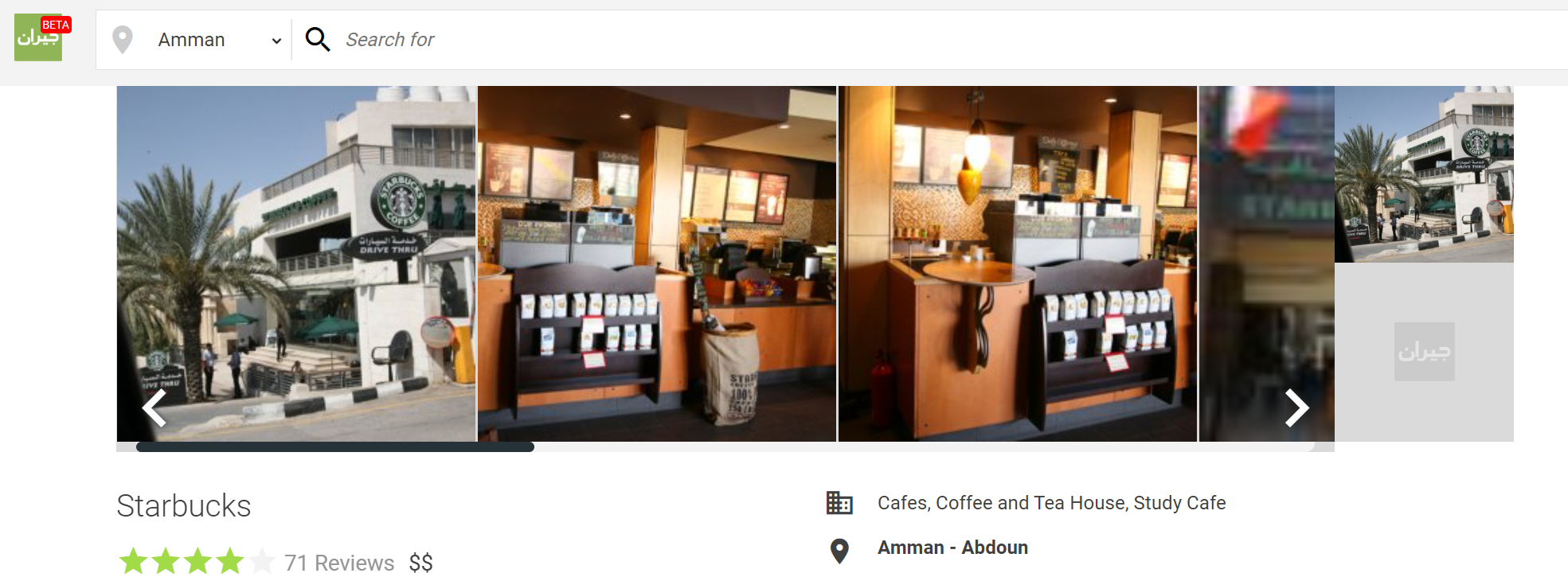
The images were found to be browsed through at much faster pace than designed for in the old site, the new site places the high quality photos in details page, in a horizontally scrolled region, that can be viewed in its own gallery for those who want to dig deeper. The images initially load their low res, and upon scrolling into view would lazily load hi res.

The popup dialog now allows quick scan
Call to action and Google Ads
Google Ads for select customers was the biggest challenge to solve, since it is the one task I have to fight against as the the user advocate, yet meet my client in the middle. The old Ads manager was a mess (not the teams fault, Google updated their interface too many times to catch up), so my first task was to put everything into order, and organize the sizes of different Ads. Then we voted on the locations to add those Ads, and I won the argument of dropping the full page Ad on home screen. (I don’t know what the team decided to do after I left 😄). The bigger challenge though was making the Ads work in Angular (SPA) website.
The more important call to action was “verifying” the place. The location details page now keeps that information in view, in desktop view.
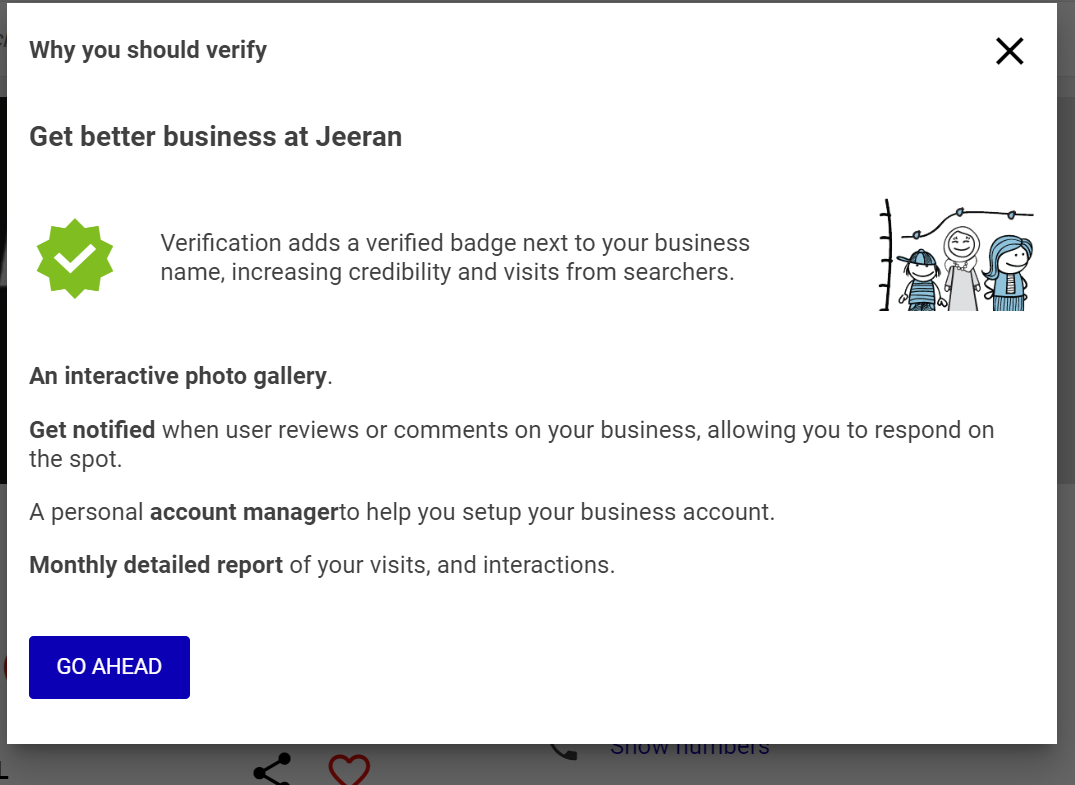
Other interactions with the page like commenting, was lazy loaded upon request. Voting, was designed to allow delayed authorization.
Mobile view
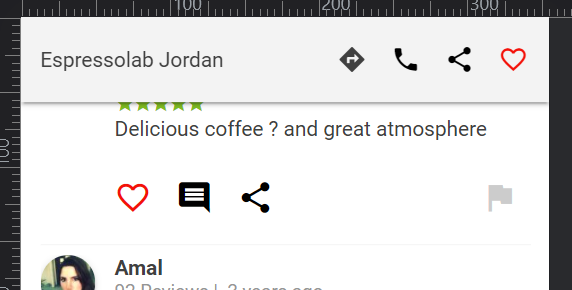
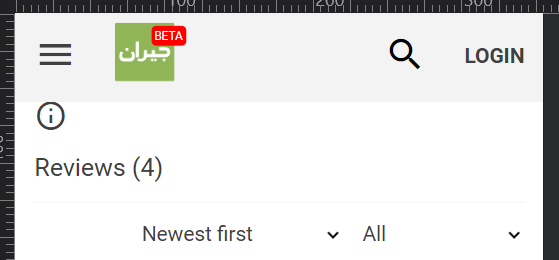
The old website had its own subdomain for mobile, which was not ideal since most of the visits were mobile related. Even though there was a dedicated mobile app for Jeeran, but I could not waste the opportunity of turning the Web app into a Mobile web app. One of the features we fixed and made sure to make use of, is having a different top bar for different scroll directions, that allowed
The call button
The call button was buried in the old site as a “sales” decision, after some tug of war with my client, we found a middle ground, the Call button appears all the time, clicking it shows the number in a toast, where user can click on the number to call. My choice would have been show number on the site. Eh, you win some, you lose some.
Technical bits
Some of the fine technical solutions implemented:
- Relied on native sharing features, depending on browser, Windows, Android, or iPhone, before falling back to a custom share dialog window
- Used Leaflet JavaScript library for maps along with TomTom map tiles for cheapest options, avoiding Google Maps unrealistic increase in price
- Wrote NodeJs redirects to match legacy URLs, some legacy URLs were dropped, but before we did, we picked the most performant URLs from Google Analytics records and manually rerouted.
- Created a new Google Analytics report to report errors handled by Angular.
- Connected to multiple sources in NodeJs app to locate the user with the best results, mainly: Cloudflare country header, and a web service IpGeoLocation
- Made the site PWA enabled, allowing some content to be offline cached, and a smooth experience in adding site to Home screen.
- To allow social login, Firebase Authorization was used
- Followed SEO recommendations and added a whole bunch of Alternate links for different locales, in addition to hinting the site with the proper tags
- SSR: the site is server side rendered
- I helped recreate the API and maintained a Postman document to communicate with backend developer
The design introduced was according to Material design guidelines back in 2019.
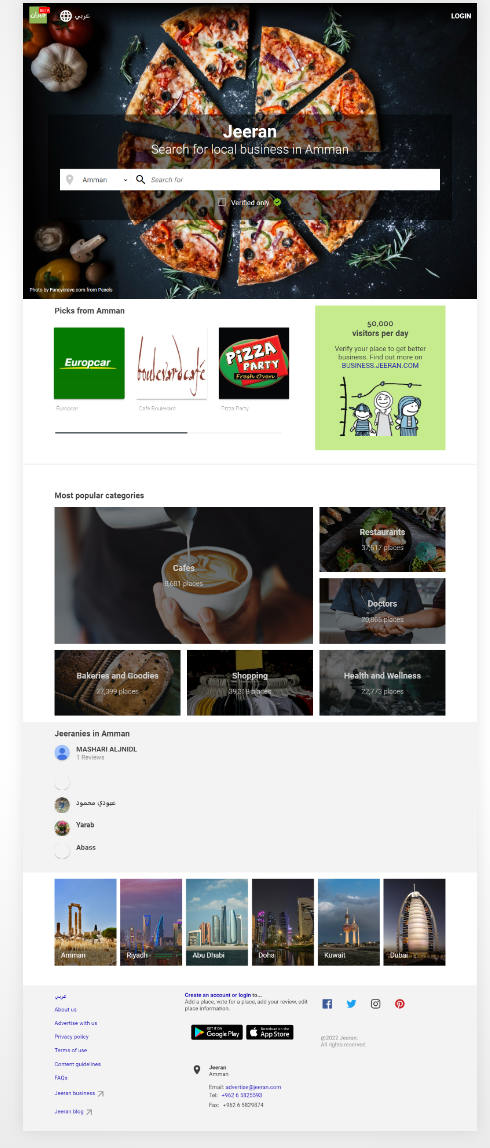
Sidenote: Unfortunately Jeeran was not doing well financially and had to sell out in 2019, shortly after we launched the whole site. The site is still up, but it gets little attention from the new owners.